
Warehouses rely on speed, accuracy, and clear visibility to keep operations running smoothly. But as inventory grows and workflows become more complex, manual data entry can’t keep up. That’s where a warehouse barcode system becomes essential. It gives teams a simple, reliable way to label, scan, and track inventory so they can reduce human errors, save time, and keep stock moving.
This guide explains what barcodes are and how to set them up, then dives into how warehouse barcode systems work, how to choose the right type of barcode, how to measure performance, and how to optimize your system as your operations scale.
What is a warehouse barcode system?
A warehouse barcode system is a method for labeling and tracking inventory using scannable barcode labels or QR codes. Each barcode represents a unique identifier that links to item details such as quantity, location, SKU, and condition.
When teams scan barcodes with handheld barcode scanners, mobile computers, or a mobile device, the system updates inventory data instantly. This gives teams real-time visibility into what they have and where it’s stored.
A complete barcode system typically includes:
- Barcode labels: Printed labels applied to items, bins, shelves, pallets, or packaging.
- Scanning tools: Barcode scanners or mobile devices that support barcode scanning via Bluetooth or built-in cameras.
- Inventory management software: A system that stores item data, updates records, and supports automation and inventory control.
- Labeling workflows: Processes for generating, assigning, printing, and applying labels.
Barcoding (or QR coding) replaces manual data entry with fast, accurate scanning. This improves inventory accuracy, strengthens asset and inventory tracking, and helps warehouses streamline daily operations.
This easy, comprehensive guide will help you: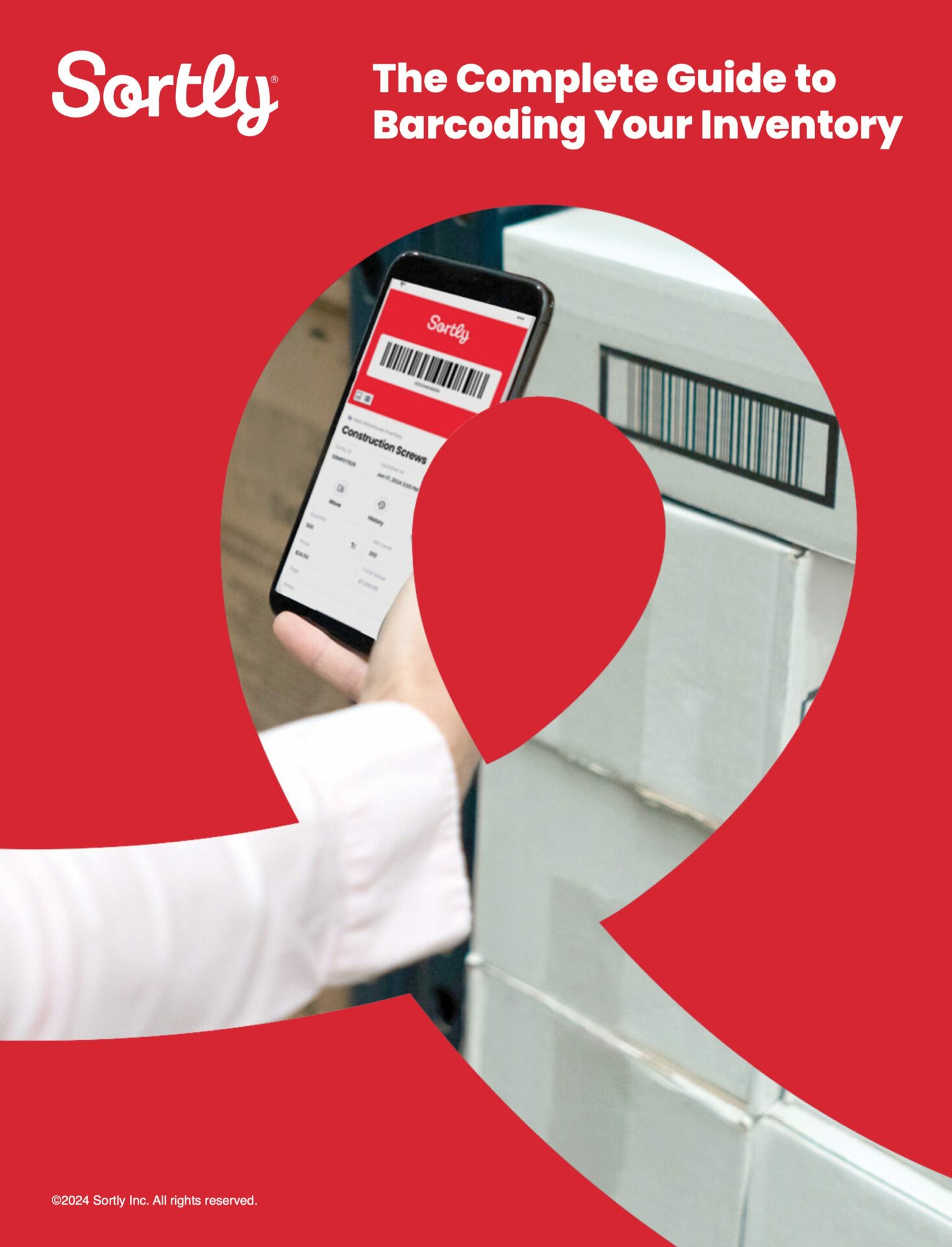
Free Ebook: The Complete Guide to Barcoding Your Inventory
Why warehouse barcoding matters
Warehouses face daily challenges that slow down operations and increase costs. Barcoding helps solve many of these issues by creating a more accurate, efficient workflow—and recording tons of essential inventory data while it does.
Common pain points that barcoding helps solve
- Lost or misplaced warehouse inventory
- Inaccurate counts during cycle counts or audits
- Wasted labor spent searching for items
- Overstocking or reordering the wrong amount
- Delayed shipments caused by picking errors
Key benefits of warehouse barcoding
- Reduced human error
- Greater accuracy leads to fewer stockouts (or overstocks)
- Faster receiving, picking, and cycle counts
- Better data for forecasting and supply chain planning
- Improved order accuracy and warehouse efficiency
Barcoding is often the first step toward more data-driven warehouse management systems. Once teams have accurate, real-time inventory tracking, they can optimize processes, reduce waste, and scale more confidently.
Types of warehouse barcodes and when to use them
Different warehouses use different barcode or QR code formats depending on item volume, storage methods, and specific needs.
1D vs. 2D vs. QR codes
| Barcode type | Best for | Data capacity | Cost | Notes |
| 1D barcodes (UPC, Code 39, Code 128) | SKUs, packaging, basic inventory tracking | Low | Low | Most common and compatible with most scanners |
| 2D barcodes (Data Matrix) | High-volume SKUs, serialized items | Medium | Medium | Stores more data in less space |
| QR codes | Tools, bins, multi-location tracking | High | Low | Scannable from any angle and easy to use with mobile devices |
Examples by warehouse type
Small warehouse (tools, spare parts)
- QR codes for bins, shelves, and small items
- 1D barcodes for packaged goods
Mid-size distribution center
- 1D barcodes for SKUs and cartons
- 2D barcodes for serialized or regulated items
Multi-location operation
- QR codes for bin-level tracking
- Mixed symbologies for different item categories
How to implement a warehouse barcode system
These steps help teams build a system that works from day one:
1. Audit workflows and clean up your data
Review how inventory moves through your warehouse. Before digitizing, audit your current records to fix duplicate SKUs or inconsistent naming. Identify the exact data points you need to track—like location, lot number, or quantity—to ensure your system supports real-world movement, not just theory.
2. Design a logical naming convention
A barcode is only as good as the logic behind it. Create a consistent “address system” for your physical space (e.g., Aisle A, Shelf 2, Bin 10). Decide if you’ll label individual items, pallets, or bins. This mapping ensures that when an item is scanned, the software knows exactly where it lives.
3. Select software, then hardware
Choose your inventory software first, as it dictates your hardware needs. Look for flexible, cloud-based tools that integrate with your existing accounting or purchasing systems. If the software supports mobile scanning via smartphone, you can save on costs; otherwise, select dedicated rugged scanners that are compatible with your platform.
4. Run a pilot
Instead of a full-scale rollout, start with a high-volume section of the warehouse. Label the items in this zone, train the immediate team, and test for scanning errors. This “pilot program” allows you to find and fix bottlenecks in the workflow before scaling the system to the entire facility.
5. Optimize and automate
Once the rollout is complete, use your real-time data to automate low stock alerts and reporting. Periodically review your scanning logs to identify further efficiencies, such as reorganizing the warehouse layout based on which barcodes are scanned most frequently.
Measuring the performance and value of barcode systems
Once your barcode system is live, track performance to ensure it’s delivering ROI.
Key metrics to monitor
- Inventory accuracy rate
- Time spent on receiving, picking, and cycle counts
- Reduction in lost or misplaced items
- Time saved per transaction
- User adoption and scanning compliance
Common pitfalls
- Under-labeling items or locations
- Inconsistent naming conventions
- Outdated or duplicate inventory data
- Lack of training or unclear workflows
How small teams can benchmark performance
Even without enterprise warehouse management systems, small warehouses can track improvements by comparing cycle count times, error rates, and labor hours before and after implementation.
How to optimize a warehouse barcode system over time
A barcode system isn’t a one-time project. It should evolve as your warehouse grows.
Do regular audits
Check labels, scanning accuracy, and data quality. Replace damaged labels and correct outdated records.
Make data-driven improvements
Use scanning data to identify bottlenecks, slow-moving items, or areas where errors occur.
Integrate barcoding with other processes
Connect your barcode system to procurement, receiving, and order fulfillment workflows to streamline operations and improve operational efficiency.
Building a smarter warehouse with the right warehouse barcode system
A warehouse barcode system gives teams the visibility and accuracy they need to operate efficiently. By choosing the right barcode format, implementing a clear workflow, and tracking performance over time, warehouses can reduce errors, save labor, and scale with confidence.
Sortly supports this approach by giving teams an easy way to create, scan, and manage barcode labels or QR codes without the complexity of a full WMS. Smartphones and tablets serve as scanners, and regular printers and label paper are all that’s needed to produce barcode and QR code labels.
Start your two-week free trial of Sortly today.


