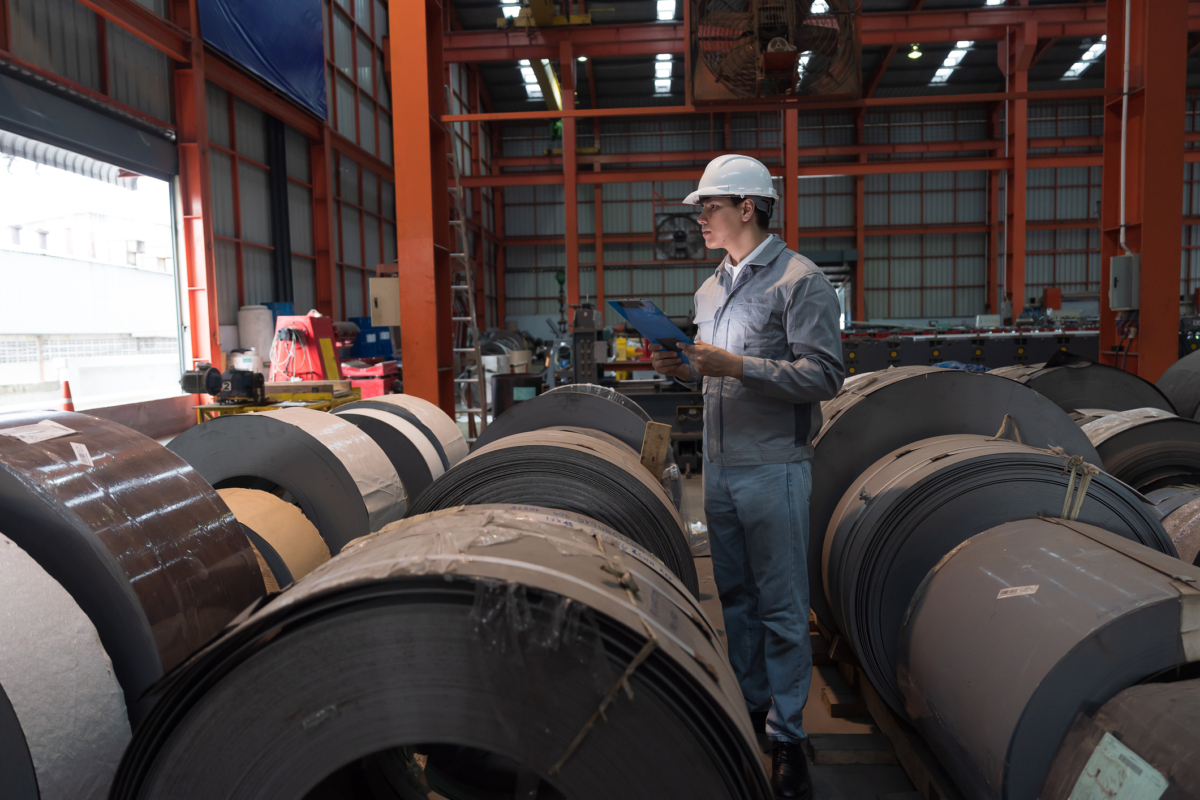
Material tracking mistakes are expensive. Case in point: A pallet of materials goes missing, and by the time it’s located, a costly emergency reorder has already been placed. This duplicate bill slashes profitability and productivity, and to make matters worse, there’s often no clear record of what was used, where it went, or when it should have been replenished. And while such a mistake could be tolerated once or twice, these problems scale quickly across busy teams and multiple locations.
Fortunately, almost all material tracking mistakes can be prevented, and we’ve outlined how to do just that in this guide. Designed for anyone who handles inventory, this article outlines what a material tracker is, what data it should capture, how to set one up, and how mobile material tracking software changes the economics of managing materials across job sites, warehouses, and trucks.
What is a material tracker?
A material tracker is any system that records what materials a business has on hand, where each item is located, how much has been used, and when it needs reordering. It can be a spreadsheet, a mobile app, or a full inventory management platform.
What is a material tracker?
Most businesses track three categories of materials:
- Raw materials like lumber, steel, fabric, or drywall
- Consumable materials like caulk, fasteners, PPE, or tape
- Finished or staged inventory ready for use or sale
Without a working material tracker, teams face overordering, shrinkage, missed jobs, vendor disputes, and time‑consuming manual reconciliation.
What is the best material tracker?
The best material tracker is one your team will consistently use. Small teams may manage with a spreadsheet, but multi‑location or multi‑user operations benefit from mobile inventory software that provides real‑time updates, barcode scanning, and reliable visibility into materials.
What to track in your material tracker
A material tracker only works when it captures the right information. The following data points form the foundation of any reliable system. Regardless of how you track inventory, be sure to include:
-
Item identifiers: SKU, manufacturer, and description
Start with clear identifiers so teams can search, reorder, and reconcile accurately.
-
Quantity on hand and unit of measure
Record counts in the correct unit, whether case, pallet, or individual unit, to avoid confusion during ordering or usage.
-
Location: warehouse, job site, truck, vendor
Materials move constantly, especially in construction and other multi-site, fast-moving industries. Tracking location ensures teams know where each item currently lives.
-
Status: in stock, in transit, allocated to a job, awaiting reorder
Status helps teams understand availability and prevents accidental double‑use or double‑ordering.
-
Cost: purchase price, vendor, last order date
Cost data supports budgeting, vendor negotiations, and margin protection.
-
Minimum quantities needed
Set minimum thresholds that ensure materials are replenished before they run out. Make sure you calculate reorder points for all items in your inventory, and remember to recalculate the number as your business changes.
If you’re using inventory software like Sortly, you can also set low stock notifications to keep you informed.
How to set up a material tracker
Once you know what to track, the next step is building a workflow that your team will actually follow. The sequence below creates a system that stays accurate without adding unnecessary complexity.
1. Audit current materials and build a master item list
Begin by walking the warehouse, all trucks, and active job sites. Record everything and consolidate duplicates. Decide on the right level of granularity, such as case versus unit, brand‑specific versus generic, or by job versus by location.
2. Pick a format that makes sense for your business
Choose a material tracking system that fits how your team works. A spreadsheet works for some single‑location, single‑user setups. A mobile inventory app is the natural upgrade once multiple users, multiple locations, or barcoded inventory enter the picture. An ERP module makes sense only at scale where the cost of complexity is justified.
Can you use a spreadsheet as a material tracker?
Yes, a spreadsheet can work for simple, single‑location setups. It becomes difficult to maintain once multiple users, multiple locations, or barcoded inventory enter the picture. At that point, a mobile inventory app is more reliable.
3. Standardize barcoding or QR codes per item
Labeling materials creates consistency. Print labels for materials without an existing barcode. Scanning updates counts more reliably than typing. Sortly includes an in‑app barcode and QR scanner and a custom label generator, which streamlines this process and allows coding on all items, not just those labeled by the manufacturer.
This easy, comprehensive guide will help you:
Free Ebook: The Complete Guide to Barcoding Your Inventory
4. Set reorder thresholds and low stock alerts
Reorder rules keep materials in stock when you need them. To ensure stockouts don’t happen, define minimum and maximum quantities per item per location. Then, set custom alerts that are triggered when a count drops below the minimum. Tie these thresholds to vendor lead time, since long‑lead items need more buffer than next‑day vendors.
5. Train the team to update at the point of use
All too often, the biggest material tracker failure is data that’s not updated in real time. Items used Monday but recorded as consumed on Friday create inventory vulnerabilities that can cost businesses a lot of time, money, and stress. To combat this, updates should happen right away, and mobile tools like Sortly make that feasible.
6. Reconcile and report weekly
Weekly reconciliation keeps the system honest, especially if you’re not using a fully digital system to improve inventory management. To help maintain veracity, compare counts against purchase orders and usage logs, then flag variances and correct them quickly.
Sortly, for example, can surface a short weekly report that shows what was used, what was reordered, and what is running low.
Software that supports material tracking
Choosing the right tool determines how well your system performs. Before comparing tools, consider how many people will use the system, how often materials move, and whether updates need to happen on mobile. In general:
- Spreadsheets are viable for single‑user, single‑location setups, but they break under shared use and are not easily updated in real time from mobile.
- Dedicated inventory management apps are purpose‑built for material and consumables tracking. They support barcode and QR scanning, custom fields, and mobile updates.
- ERP modules offer full procurement, accounting, and inventory integration. They come with high cost and configuration overhead, which only makes sense at enterprise scale.
Sortly fits naturally for any size team that needs real material tracking. It supports usability in the field, increases operational control, and scales with your business without the complexity of an ERP.
What features should material tracking software have?
To truly eliminate lost inventory and project delays, effective material tracking software needs to give you real-time control from anywhere. Look for tools offering mobile access and barcode/QR scanning so teams can log usage instantly on-site or on the floor. Essential features like custom fields allow you to tailor tracking to your specific industry, while automated low stock alerts and multi-location visibility ensure you always know what you have, where it is, and when to reorder—preventing costly shortages before they impact your workflow.
Practice smarter material tracking with Sortly
A reliable material tracker protects margin by preventing overordering, shrinkage, and reactive procurement. Sortly is built for businesses that need real material tracking without the enterprise complexity of an ERP—and 55.2% of Sortly customers say Sortly saved them money by improving inventory accuracy.
Start your two-week free trial of Sortly today.