Simple Barcode Inventory System & Software for Businesses.
Turn any smartphone into a barcode scanner—no expensive hardware needed.
The best field-ready inventory software, trusted by thousands of teams.









What is a barcode inventory system?
A barcode inventory system connects inventory software with barcode scanning to track physical inventory, tools, equipment, and supplies in real time. Unlike heavy traditional systems, Sortly’s barcode inventory software lets your team scan barcodes from any mobile device. You can also generate and print custom barcode or QR labels on demand. By making scanning fast and easy for field and warehouse teams, a good barcode system eliminates stockouts, prevents tool loss, and gives you operational control across every location.
Why teams choose Sortly for barcode inventory management.
Give field teams, warehouse teams, and managers operational control without adding friction to their daily routine.
The Daily Friction:
Enterprise inventory tools often require expensive, clunky handheld scanners that break, run out of battery, or sit unused because field teams find them too complex and inconvenient.
The Sortly Benefit:
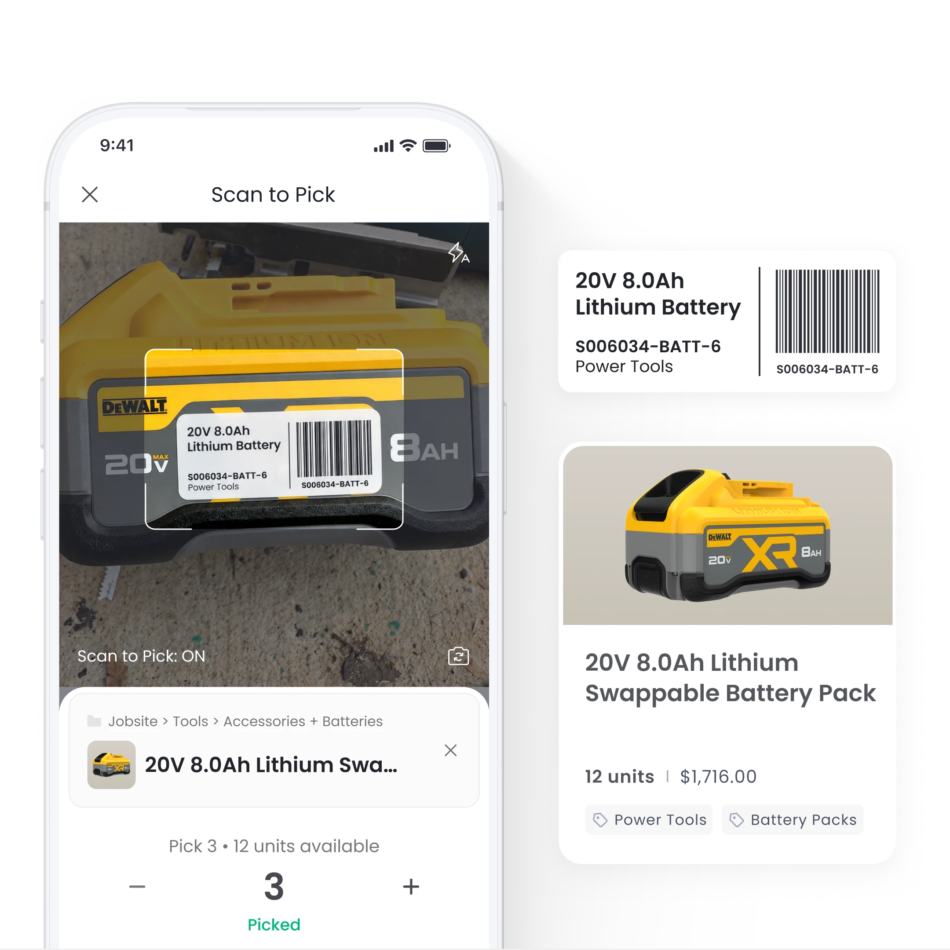
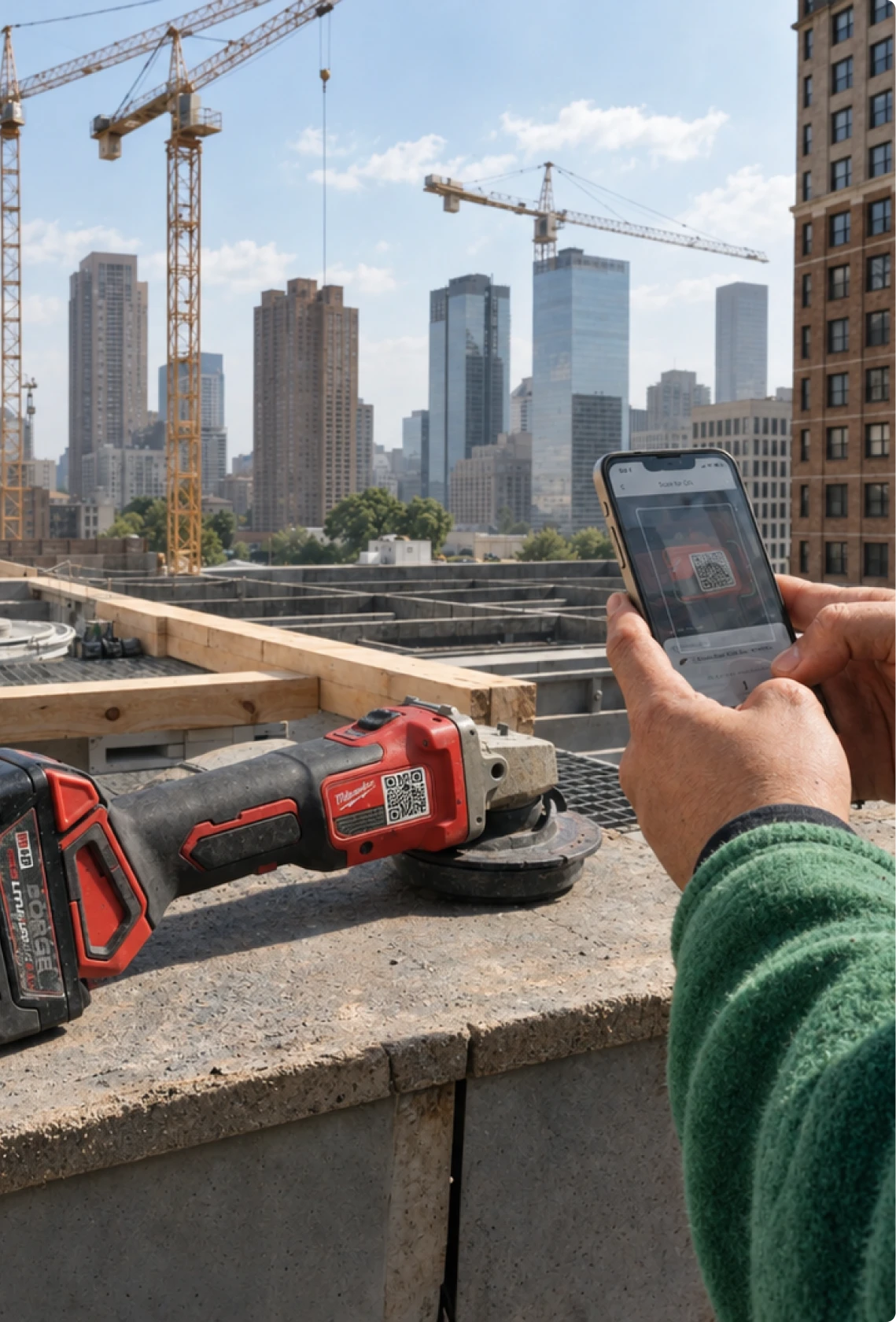
Turn any mobile device into a barcode and QR scanner with our app. Teams can instantly scan custom or pre-existing barcodes on any mobile device to add or update it in the system—no extra hardware, training, or data entry needed.
How barcoding works in Sortly.
Scan, track, and manage your inventory in three easy steps.
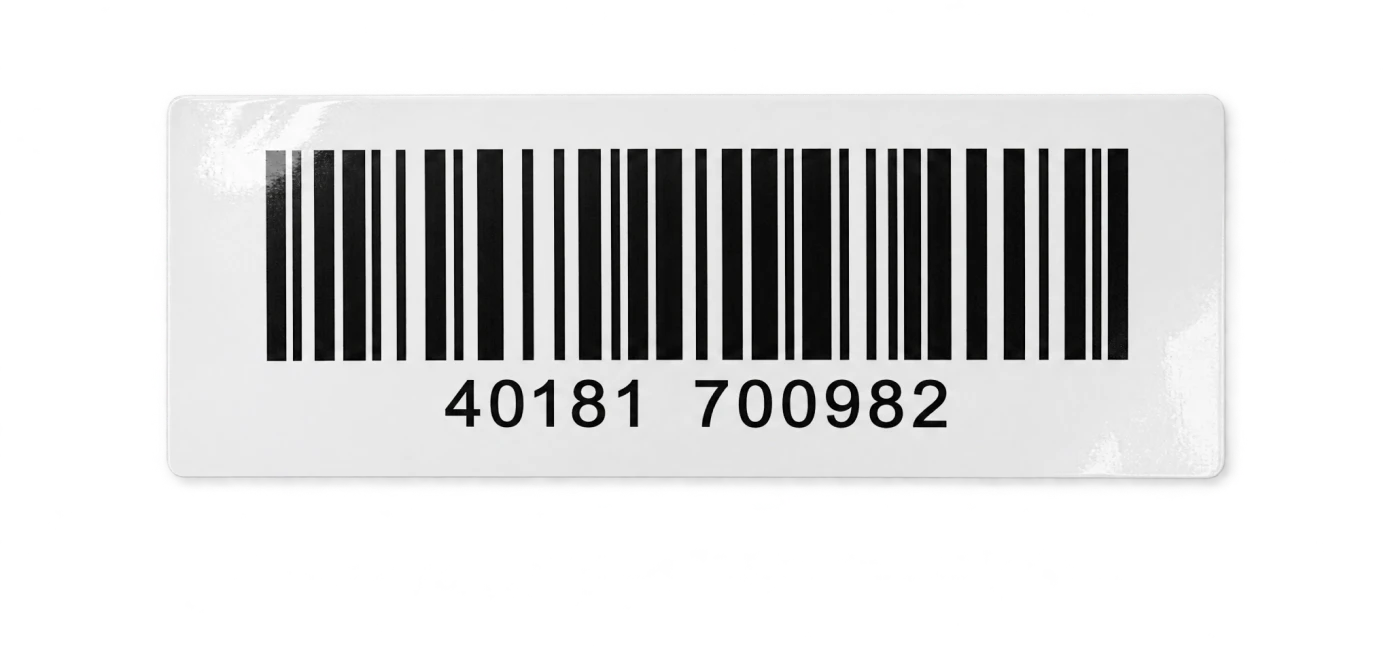
Track Items Using Existing Barcodes
Perfect for tracking materials, parts, and supplies with an existing manufacturer barcode
1. Scan any existing barcode
Open the Sortly app, point your smartphone camera at any pre-existing manufacturer barcode, and scan.
2. Automatically match item data
Sortly instantly recognizes the code and automatically populates the item’s details and photo.
3. Update the item
Add the item to your inventory, adjust quantity levels, update location, or add it to a pick list in seconds.
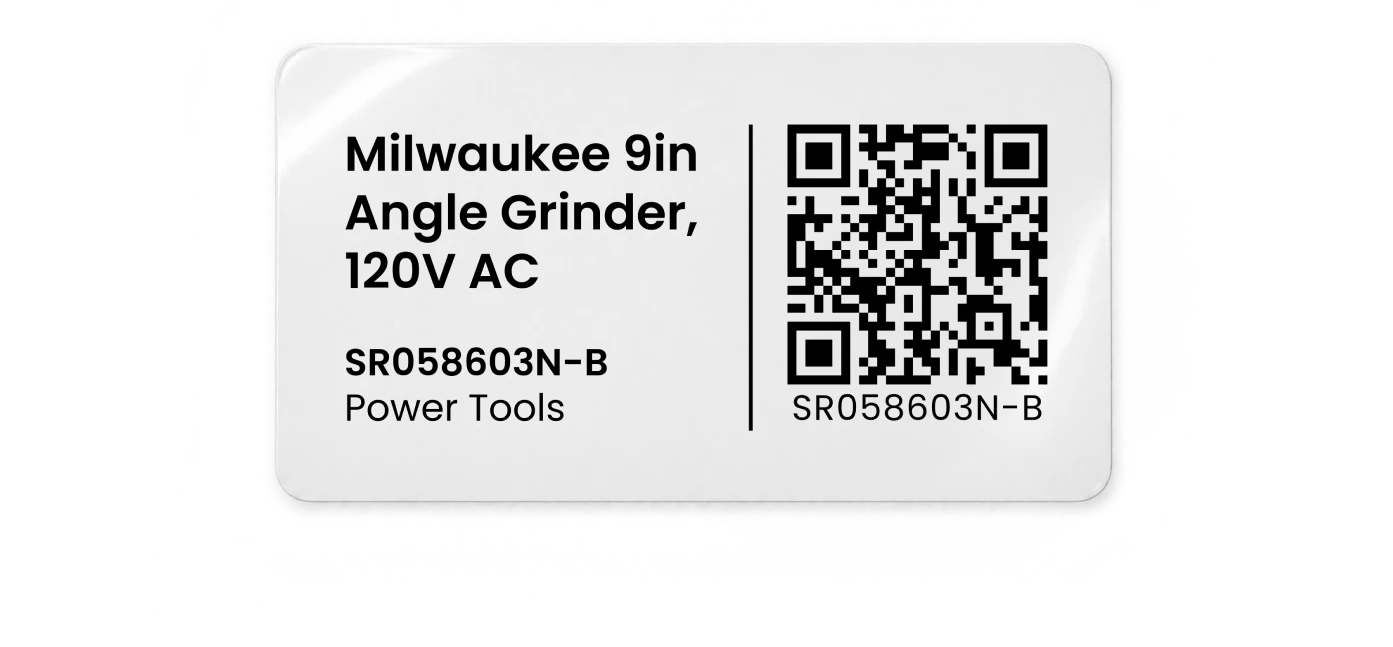
Create & Print Custom Barcodes
Ideal for tracking assets, tools, equipment, or any other unlabeled inventory
1. Generate custom barcodes or QR codes in Sortly
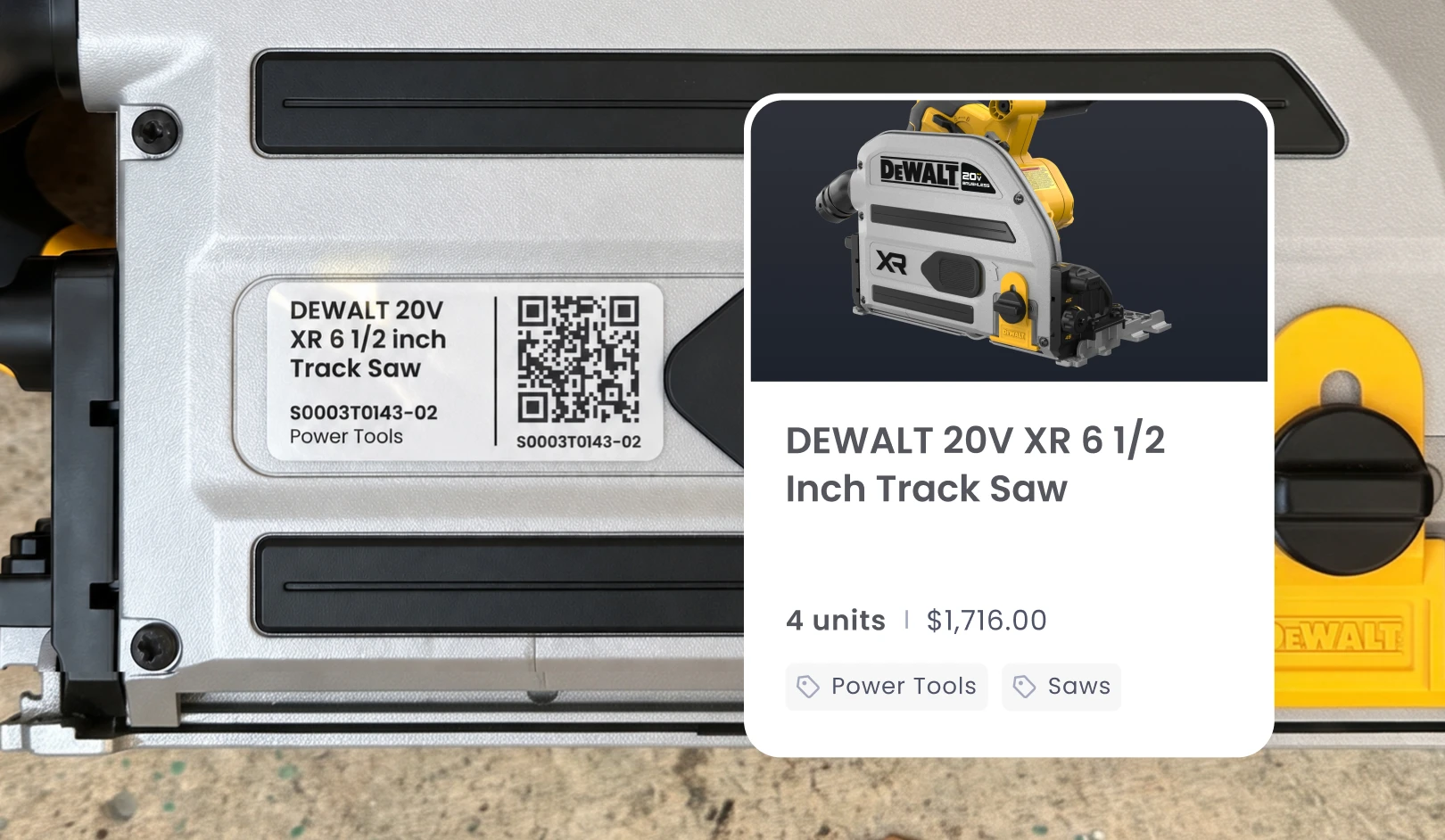
Create unique, custom 1D barcodes or 2D QR codes directly in Sortly for any item, asset, tool, or folder.
2. Print and affix custom labels
Print custom labels on standard paper or top thermal printers. Attach labels directly to tools or equipment or even bins or warehouse shelves.
3. Scan to check in / check out
Scan the custom label on site to check items in/out, track location changes, or update items instantly right from the Sortly mobile app.
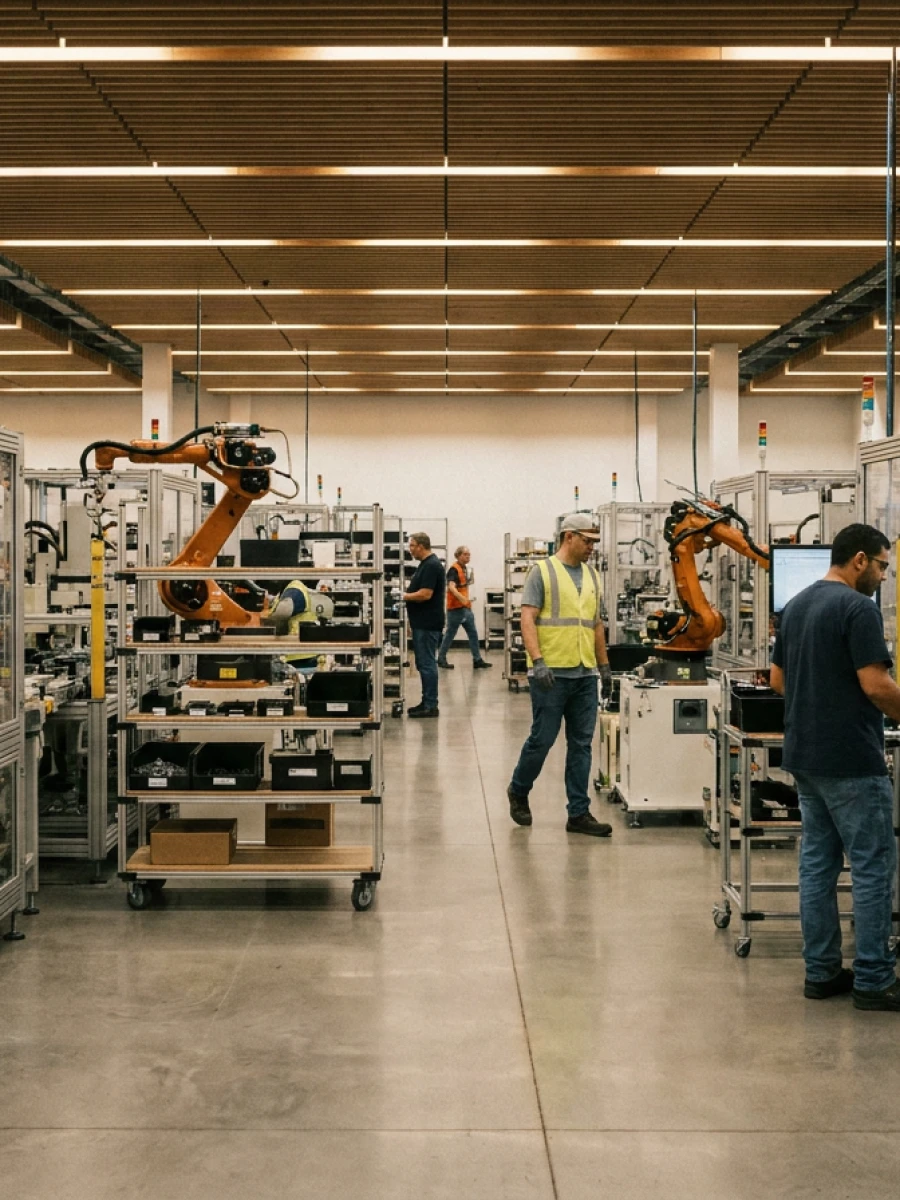
“As a manufacturer, we use Sortly to keep track of all the parts that come and go from our warehouse and back once we receive a completed product. Our team has a really easy time scanning barcodes to help us keep track of all our parts. Sortly has become part of our daily operation.”
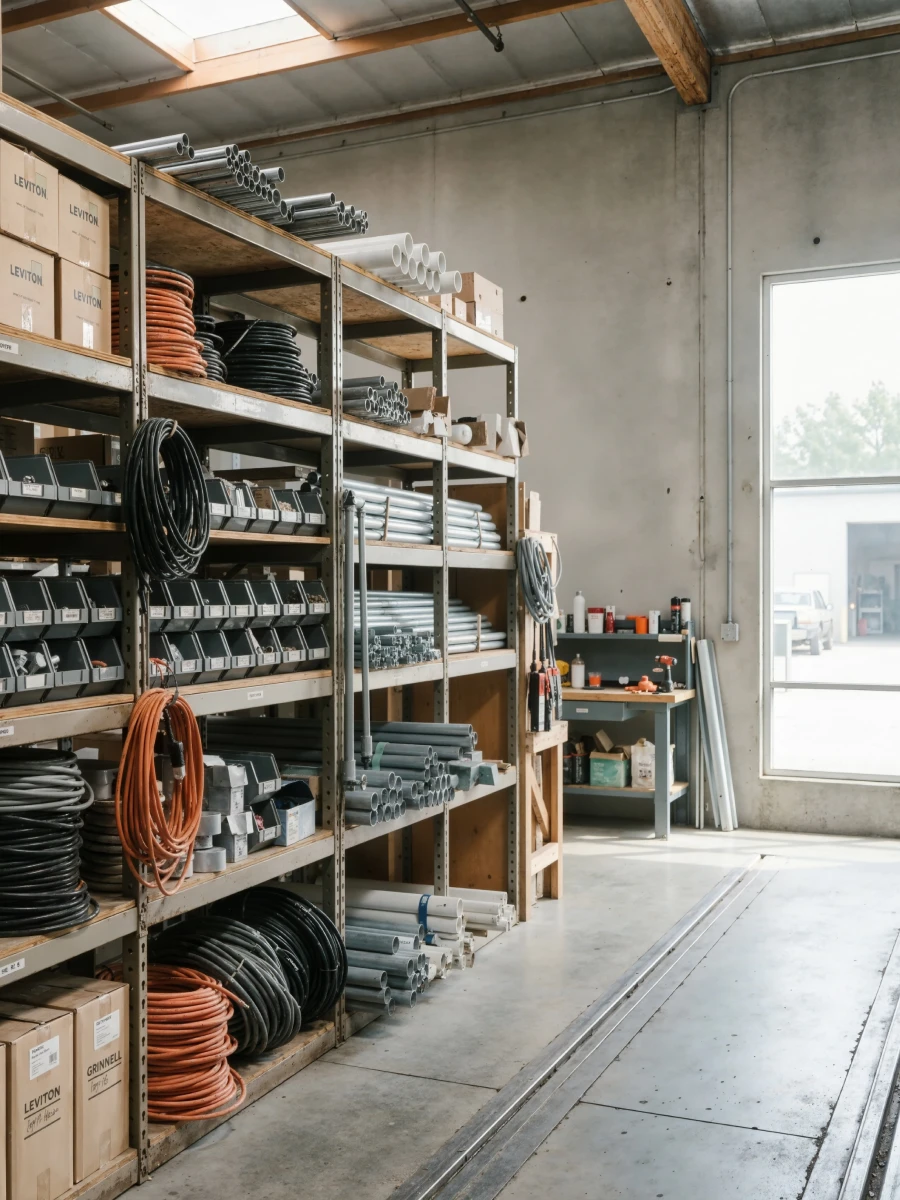
“We changed to Sortly about a year ago to track our construction inventory in our warehouse. It was easy to create folders for each job and track items and the QR codes on each individual box really helped our delivery team make sure they are taking the correct items to the correct job. Helps inventory tracking so everyone in our company can see where and when/where things get delivered. Showing the rest of my team how to use the app really helped on tracking items down if I wasn’t available to answer right away. The Sortly team always seems to be adding new features to help improve the app.”
“This is the first time I’ve ever written a review for an app. I operate a commercial shipping container depot and rental fleet. I looked all over for inventory software that was easy to use and didn’t have 300 extra features I don’t need getting in the way. I downloaded this app and within two hours, our intern had the entire inventory organized—with pictures! Possibly the best part is it creates QR labels for all your items so the driver can just scan and check out a box. Absolutely perfect. Wish I’d found this years ago.”
Frequently asked questions.
What types of inventory is Sortly best suited for scanning?
Sortly is built primarily for tracking operational inventory—such as tools, equipment, supplies, materials, and internal assets—across jobsites, warehouses, and vehicles. Our platform is a great fit for business operations rather than retail sales channels. Whether your items already have manufacturer barcodes or require custom labels, Sortly makes it easy to scan, track, and manage physical assets across your business.
Can I use my phone as a barcode scanner for inventory?
Yes. Sortly’s built-in mobile app turns any iOS or Android device into a mobile barcode and QR code scanner, allowing your team to update inventory from anywhere.
Can I connect a third-party handheld scanner to barcode my inventory?
Yes, Sortly supports the integration of external handheld scanners as well.
Does Sortly support both barcodes and QR codes?
Absolutely. Sortly allows you to generate, print, and scan both traditional 1D linear barcodes (like UPC or Code 128) and 2D QR codes.
How do I create barcode labels for items that don’t have them?
You can auto-generate custom barcodes or QR codes inside Sortly, customize the label layout with item details, and print them instantly using standard paper or thermal label printers.
Try Sortly barcode software free for 14 days.
Join the thousands of businesses who trust Sortly for barcode inventory management.