
Keep Maintenance in AppFolio. Gain Deeper Control of the Inventory Behind it with Sortly.
Connect AppFolio work orders to the inventory that supports them. With our AppFolio Stack™ integration, maintenance teams get a simple, scan-first way to record inventory usage. Operations teams get greater visibility across properties, storage locations, vehicles, technicians, and work orders.
Deeper inventory control, connected to AppFolio
Connect inventory activity to the work
Maintenance inventory rarely lives in one place. Without a connected inventory workflow, usage can go unrecorded, quantities can fall out of sync, and operations teams are left piecing together what happened after the work is done.
Sortly connects inventory activity to the AppFolio work order—without changing how your team manages maintenance.
Capture inventory usage once
Give technicians a simple, scan-first way to record inventory activity in Sortly while keeping the corresponding AppFolio work order up to date.
That means less duplicate entry, fewer missed updates, and less time spent reconciling inventory and work-order records after the work is done.
Dedicated inventory management that complements AppFolio
Keep managing properties, work orders, scheduling, vendors, residents, and financial workflows in AppFolio.
Sortly adds dedicated inventory control behind the work, so you can strengthen your inventory operation without moving maintenance into another operating platform.
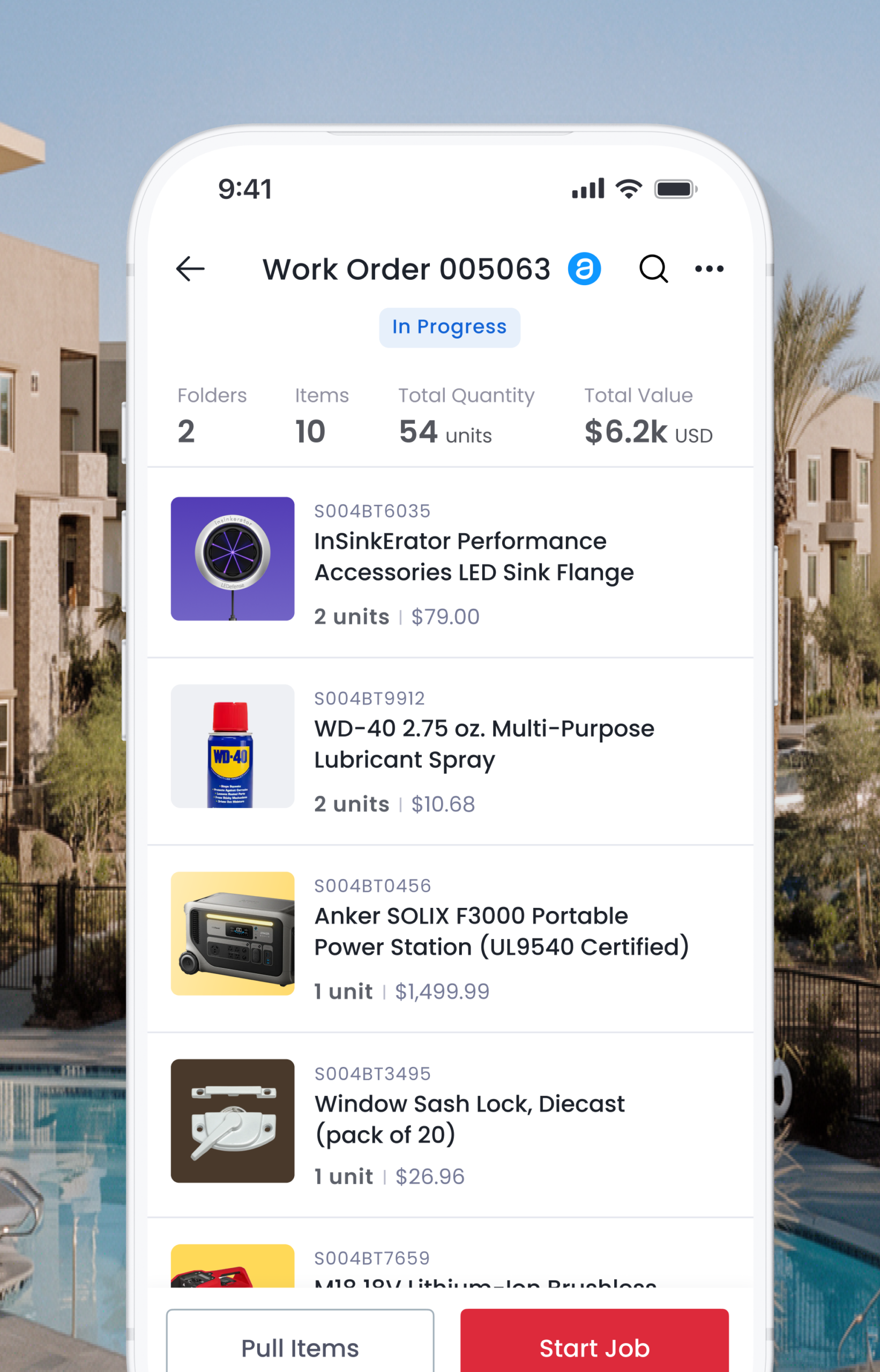
How the integration works
Together, Sortly and AppFolio help teams connect the inventory behind maintenance to the work it supports—without adding unnecessary complexity to the maintenance workflow.
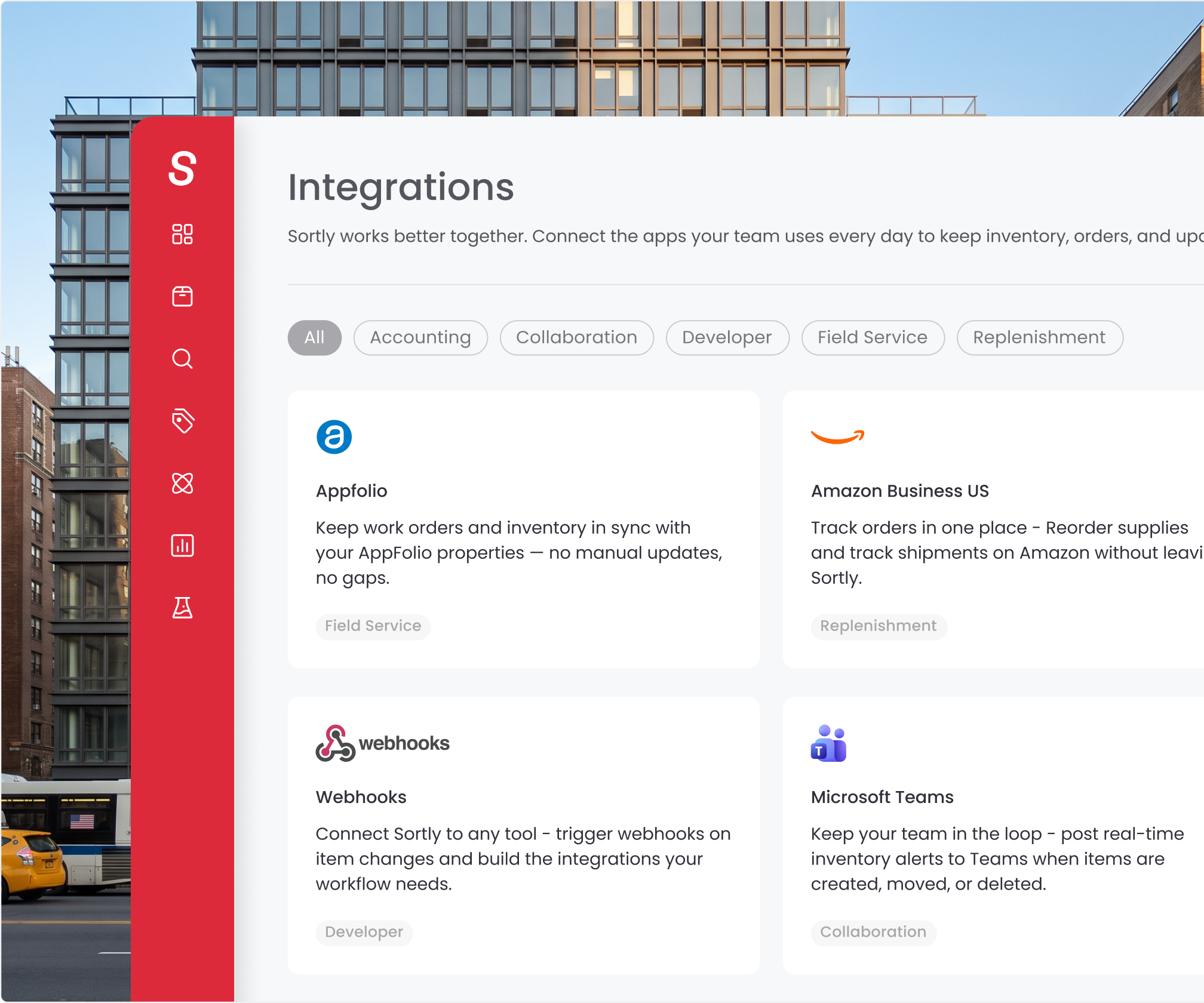
More than work order usage tracking
Go beyond tracking what was used on a single work order. The AppFolio Stack integration connects inventory to maintenance work orders. Sortly helps you manage the broader inventory operation that supplies, supports, and replenishes that work.
Use Sortly to manage any asset at any location from parts, and supplies to keys and appliances with:
- Barcode and QR-code scanning
- Visual item records and custom fields
- Flexible locations and inventory organization
- Purchase orders and pick lists
- Stock counts and low-stock alerts
- Item movement and usage history
- Permissions and reporting
- Mobile access for teams in the field
From receiving and replenishment to storage, movement, usage, return, and counting, your team gets one place to keep inventory organized and records current.
How Sortly delivers in the field
Frequently Asked Questions
Does Sortly replace AppFolio?
No. Keep using AppFolio to manage properties, work orders, scheduling, people, vendors, and financial workflows. Sortly adds a dedicated inventory layer for managing the physical items that support maintenance work.
Is Sortly a maintenance management platform?
No. Sortly is not a replacement for maintenance scheduling, dispatch, inspections, preventive maintenance, make-ready management, or other maintenance-management workflows.
Sortly gives teams deeper control over the physical inventory behind that work.
What kinds of inventory can teams manage?
Teams can track parts, supplies, materials, consumables, tools, equipment, appliances, keys, safety items, and other operational assets.
Sortly can manage both items that get consumed during work and reusable items that need to be returned, moved, or reassigned.
How easy is it to get started with the integration?
Getting started is straightforward. Once the integration is connected, your existing AppFolio inventory is imported into a dedicated AppFolio Inventory folder in Sortly, and active AppFolio work orders are brought over as Sortly Jobs. Your team starts with key information already in place instead of rebuilding it manually.
Which Sortly plan includes the AppFolio Stack integration?
The AppFolio Stack integration is available to customers on a Sortly Enterprise plan.
Can technicians update inventory from the field?
Yes. Technicians can use Sortly’s mobile app and barcode or QR-code scanning to find items and record inventory activity where the work happens.
What information is sent back to AppFolio?
When technicians record item usage for a connected Sortly Job, the relevant item name and quantity are automatically sent to the related AppFolio work order. More detailed inventory information remains in Sortly.
What happens when an AppFolio work order closes?
When the AppFolio work order closes and the records align, the matching Sortly Job completes automatically.
If quantities or statuses don’t align, Sortly flags the discrepancy so your team can review and resolve it.

Get started with Sortly today.
Give your team an easier way to capture inventory usage, keep work order records aligned, and stay ahead of restocking and inventory needs across your properties.