When teams can’t quickly locate the equipment or tools they need, work slows down, and, often, costs rise. These challenges multiply when assets move between job sites, warehouses, and other locations. Fortunately, remote asset management gives operations teams the visibility they need to stay organized, reduce downtime, and keep work moving—no matter where people are working that day or where assets may be.
This guide explains what remote asset management is, how it works, and how to implement it in a simple, practical way using modern asset management systems.
What is remote asset management?
Remote asset management is the practice of knowing what assets you have, where they are, and who’s responsible for them, even when teams and locations are spread out. Remote asset managers rely on shared visibility rather than physical checks or disconnected spreadsheets.
What is remote asset management?
This matters because many organizations struggle with:
- Lost or misplaced hardware assets
- Duplicate (and very expensive) asset procurement due to not knowing what you have
- Delays (and high associated costs) caused by missing equipment
- Asset lifecycle issues, such as expired warranties or outdated or malfunctioning items
Remote asset management doesn’t have to mean dedicating a massive amount of budget to GPS trackers or complex IT asset management systems. Instead, the best strategies emphasize simple, real-time asset management tools to keep asset information accurate and accessible across locations.
What enables remote asset management today?
Modern remote asset management is powered by asset management software—specifically, tools that are easy for field teams, warehouse staff, and remote employees to use without training or technical expertise. These systems often overlap with IT asset management (ITAM) and inventory management workflows, giving teams a single source of truth for both physical and digital assets.
The most effective asset management solutions:
- Update in real time across all devices
- Fit naturally into existing asset tracking processes
- Keep asset information in one shared, secure place
- Support automation that reduces manual work
These asset tracking software functionalities give teams up‑to‑date visibility wherever work happens.
Real-time tracking across all users, all devices
Cloud-based systems store asset information centrally so every stakeholder sees the same data, whether they’re on a job site, in a warehouse, or working remotely. Shared visibility reduces the need for physical checks, eliminates conflicting spreadsheets, and prevents confusion between locations. This level of real-time accuracy also supports better asset utilization and lifecycle management.
Mobile barcode capabilities
Mobile devices with barcode or QR code scanning let teams update asset location, status, and ownership from anywhere. A quick scan can record who checked out a tool, where it’s headed next, or whether it needs maintenance. These updates reduce loss, speed up decision-making, and create clear accountability across distributed teams.
This easy, comprehensive guide will help you: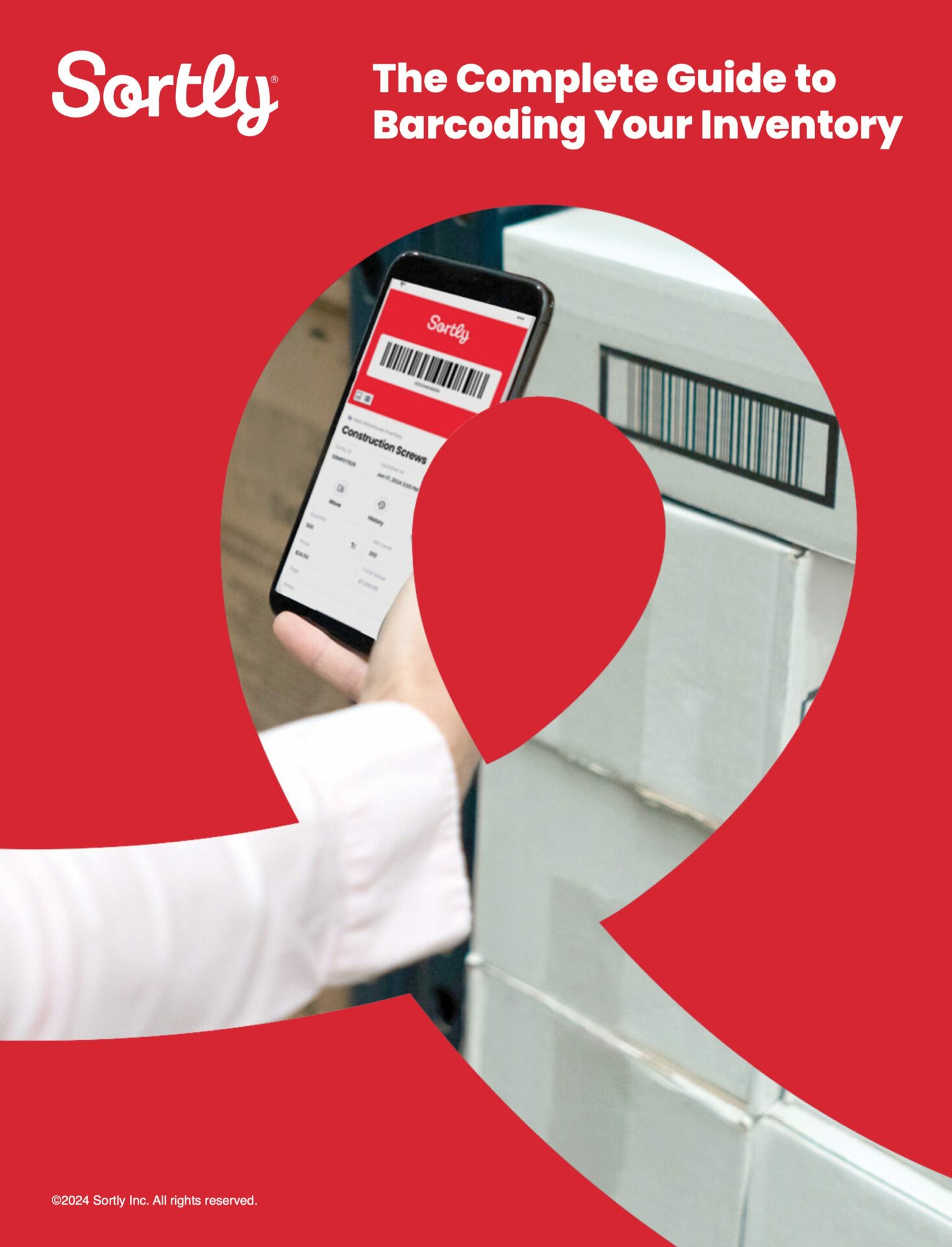
Free Ebook: The Complete Guide to Barcoding Your Inventory
How to implement remote asset management in 4 steps
A successful remote asset management process doesn’t require a major overhaul. A phased, practical approach helps teams adopt new habits without disrupting daily work.
Step 1: Identify key assets and visibility gaps
Start by determining which assets matter most to track remotely. Prioritize items that:
- Move between different locations
- Are frequently used
- Are costly to replace
- Cause delays when missing
Your goal is to reliably answer three questions:
- What do we have?
- Where is it?
- Who’s responsible for it?
This clarity supports better project management and reduces troubleshooting time when assets go missing.
Step 2: Choose an all-in-one system your team will actually use
Look for an asset management system that’s easy to learn, mobile-friendly, and built for real-world operations. The right tool should be accessible from anywhere and let field teams update asset information quickly, without extra steps or training.
Here’s how Sortly enables remote asset tracking:
- Sync across devices & teams: Provide shared, real-time access to your team so everyone stays updated, regardless of their location.
- Visual tracking: Use high-resolution photos to instantly confirm asset identity and monitor wear and tear over time, right from the app.
- Seamless mobile scanning: Transform any smartphone into a barcode or QR scanner to check assets in and out instantly from the field.
- Proactive alerts: Set automated, date-based reminders to ensure no asset misses a scheduled service or replacement deadline.
These key features help operations leaders, IT teams, and project managers maintain accurate asset inventories without adding complexity.
Step 3: Set simple rules for how asset information is updated
Define the essential details that should be recorded consistently, such as:
- Location
- Status
- Assignee
- Condition
- Warranty information
- Asset lifecycle stage
Keep naming conventions and folder structures simple so the system stays clear as it grows. Consistent, lightweight updates matter more than complex reporting.
Step 4: Establish review habits and expand gradually
Build routine check-ins to confirm information stays accurate, no formal audits required. As visibility improves, you can add more locations, asset types, or departments. Remote asset management becomes an ongoing initiative that scales with your operational needs and supports long-term optimization.
What are the benefits and challenges of remote asset management?
Managing gear from the field shouldn’t be a headache. Whether you’re at a job site or moving between locations, remote asset tracking is about getting you the right equipment and tools as quickly and easily as possible.
Key benefits include:
- Fewer lost or misplaced assets
- Reduced downtime and improved asset utilization
- Fewer duplicate purchases
- Better asset lifecycle visibility
- Stronger accountability across teams
Common challenges include:
- Getting teams to follow a new process
- Keeping information accurate
- Choosing a tool that fits existing workflows
- Managing assets across various locations
How remote asset management saves time and avoids lost equipment
Remote asset management directly impacts productivity and cost control. When teams can see what they have and where it is, they spend less time searching for equipment and more time doing actual work. Real-time visibility also reduces the risk of loss, improves planning, and helps operations leaders make smarter decisions about procurement, renewals, and asset lifecycle management.
Tools like Sortly give teams the visibility and control they need without adding complexity. With mobile scanning, visual organization, and customizable access, Sortly makes remote asset management simple for multi-location operations in industries ranging from construction to healthcare to real estate.
Start your two-week free trial of Sortly today and see how easy remote asset management can be.